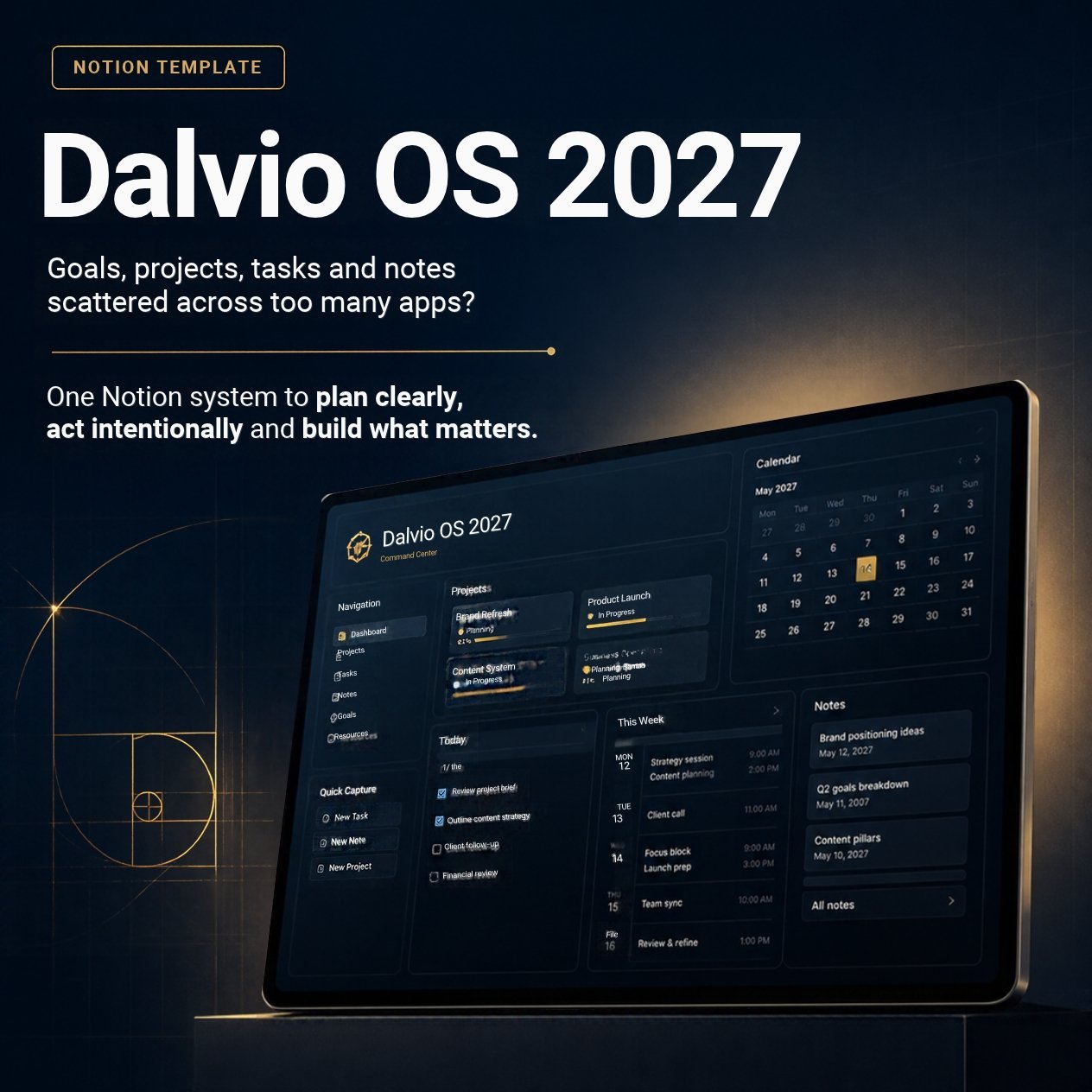
Home dashboard
Open one page each day and see what matters now.
- Today, Coming up and Inbox lists
- Active projects and your 2027 goals
NEWNotion planning system
Dalvio OS 2027 connects your goals for the year to the projects and tasks that move them forward. One Home page shows what to do today, and a short weekly review keeps it all current.
Instant access. Works with a free Notion account.
What's inside
Every part links to the next, so a task on your list always traces back to a project and a goal. Sample entries show how each page works.
Open one page each day and see what matters now.
Clear next actions with a planned date for when you'll work and a deadline for when it's due.
Each project has an outcome, a definition of done, a target date and its linked tasks.
A few goals for the year, placed in a quarter, with a progress percentage.
Ideas, meeting notes and links, attached to the project or goal they belong to.
Capture anything in seconds and sort it later. See your whole year by quarter on one page.
Step back each month, close out the year, and set up the next one with the same system.
A short checklist and a Review Log that keep the whole system accurate.
How it works
Your receipt has a button that opens the template in Notion.
One click copies it into your own workspace. A free account works.
Clear the samples, add one to three goals, your projects and their next actions.
No. Dalvio OS 2027 uses standard Notion databases, relations, formulas and views that work on Notion's free plan.
Your receipt has a button that opens the template in Notion. Click Duplicate at the top right and it's copied into your own workspace.
Both. Tasks and projects have an Area (Work, Personal, Health, Home, Learning) so you can keep everything in one place or filter by area.
Yes. The Year-End Review page walks you through adding the next year and carrying your goals and projects forward.
Yes. Once it's in your workspace you can rename properties, add areas, change views and remove anything you don't need.
Each purchase is for your own personal use and is not for resale or redistribution.
Goals, projects, tasks and reviews in one Notion workspace for $12.